Meet SplitFX
Welcome to SplitFX, a JavaScript Text Animation Plugin
SplitFX is a JavaScript text animation plugin that splits the text of HTML elements into individual units (characters and words) and animates them.


Explore SplitFX's powerful features that make creating JavaScript text animations effortless
Demo ProjectsYou can choose to animate text by chars or words.
Animate HTML elements' text in and out on scroll, window load, hover, or click.
Full control over animation timing, stagger, stagger direction, and easing.
Choose from a variety of built-in text animations such as fade, typeWriter, and more.
Build and use your own animations to create text animations tailored to your needs.
Control the text animation flow with stagger directions such as forward, backward, centerOut, random, and more.
Run text animations step by step in a defined sequence, just like the hero of this page.
Split and animate the text of HTML elements even when they contain nested elements.
A set of convenience methods that make SplitFX easier to use.
Built specifically for text animations with zero external dependencies.
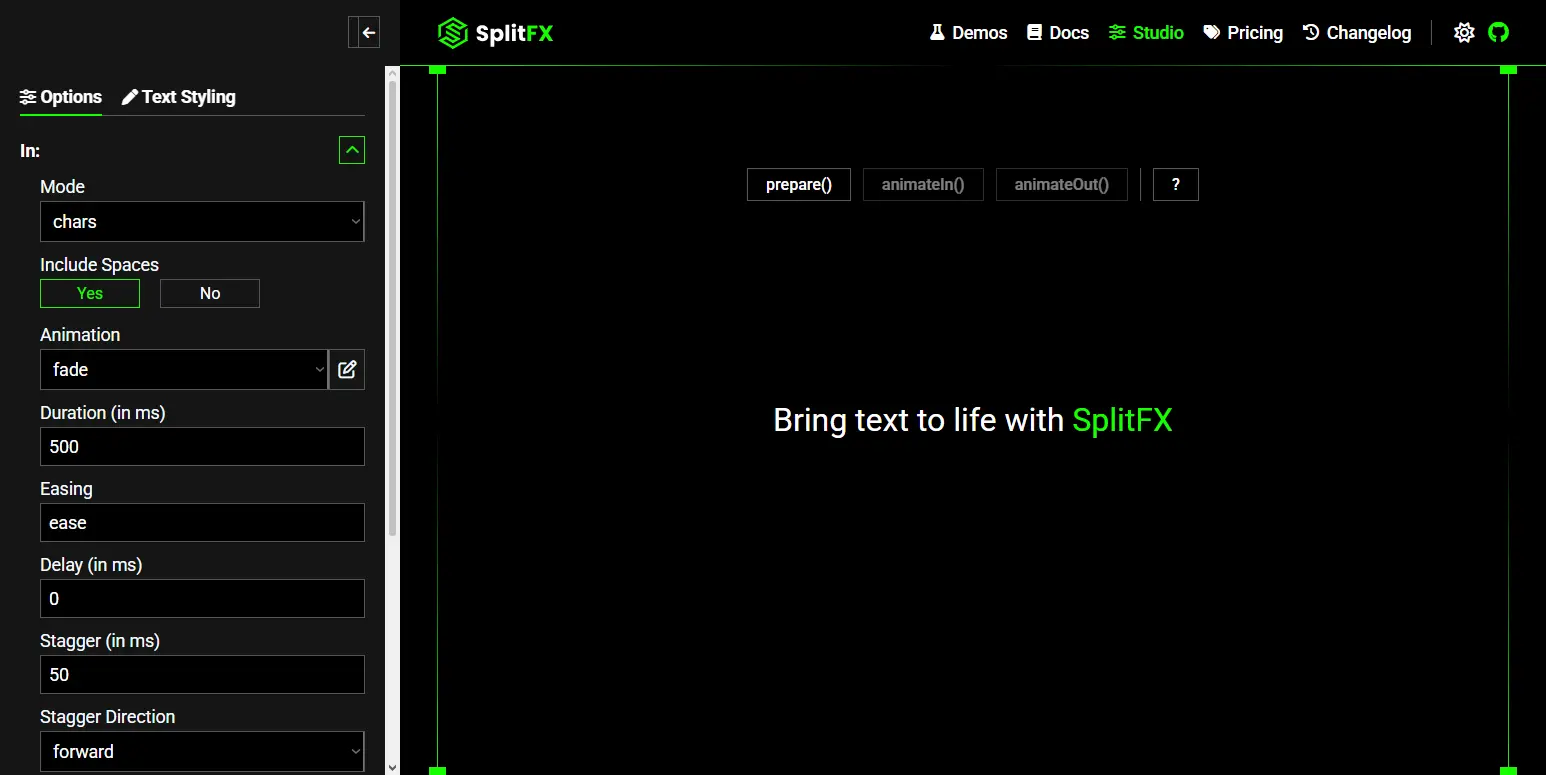
Explore text animation demos, read the documentation, and create JavaScript text animations with the SplitFX Studio.
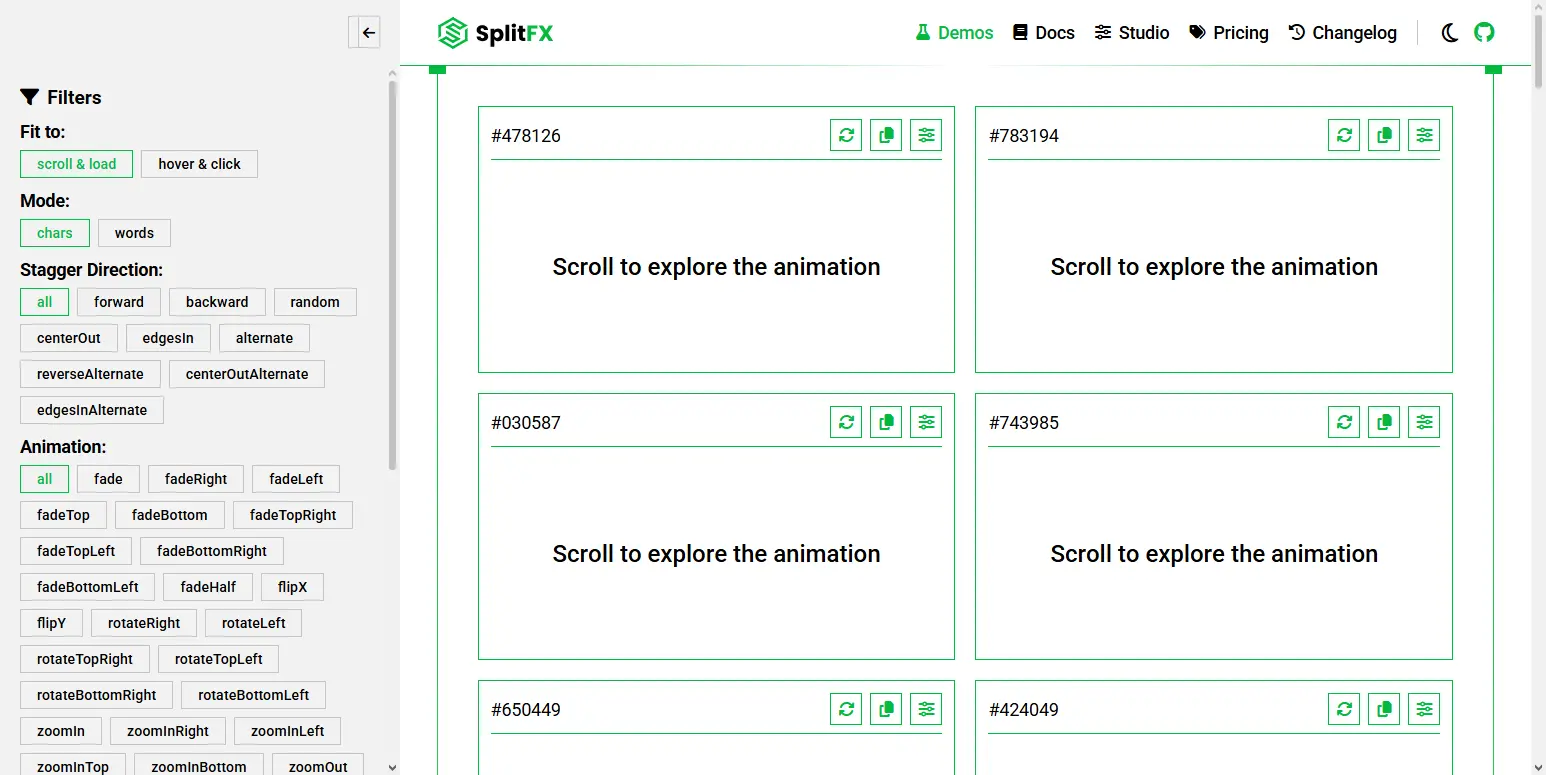
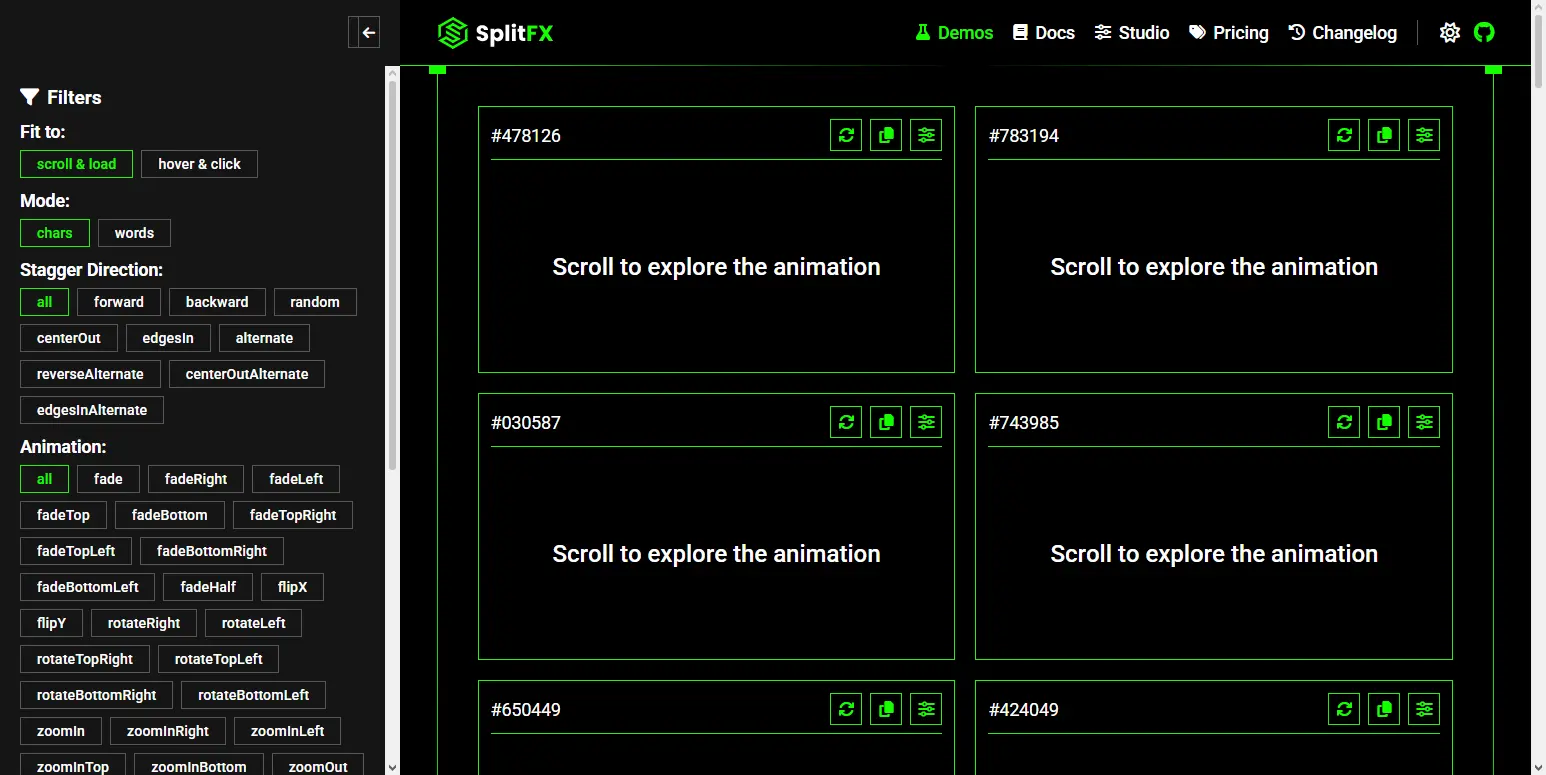
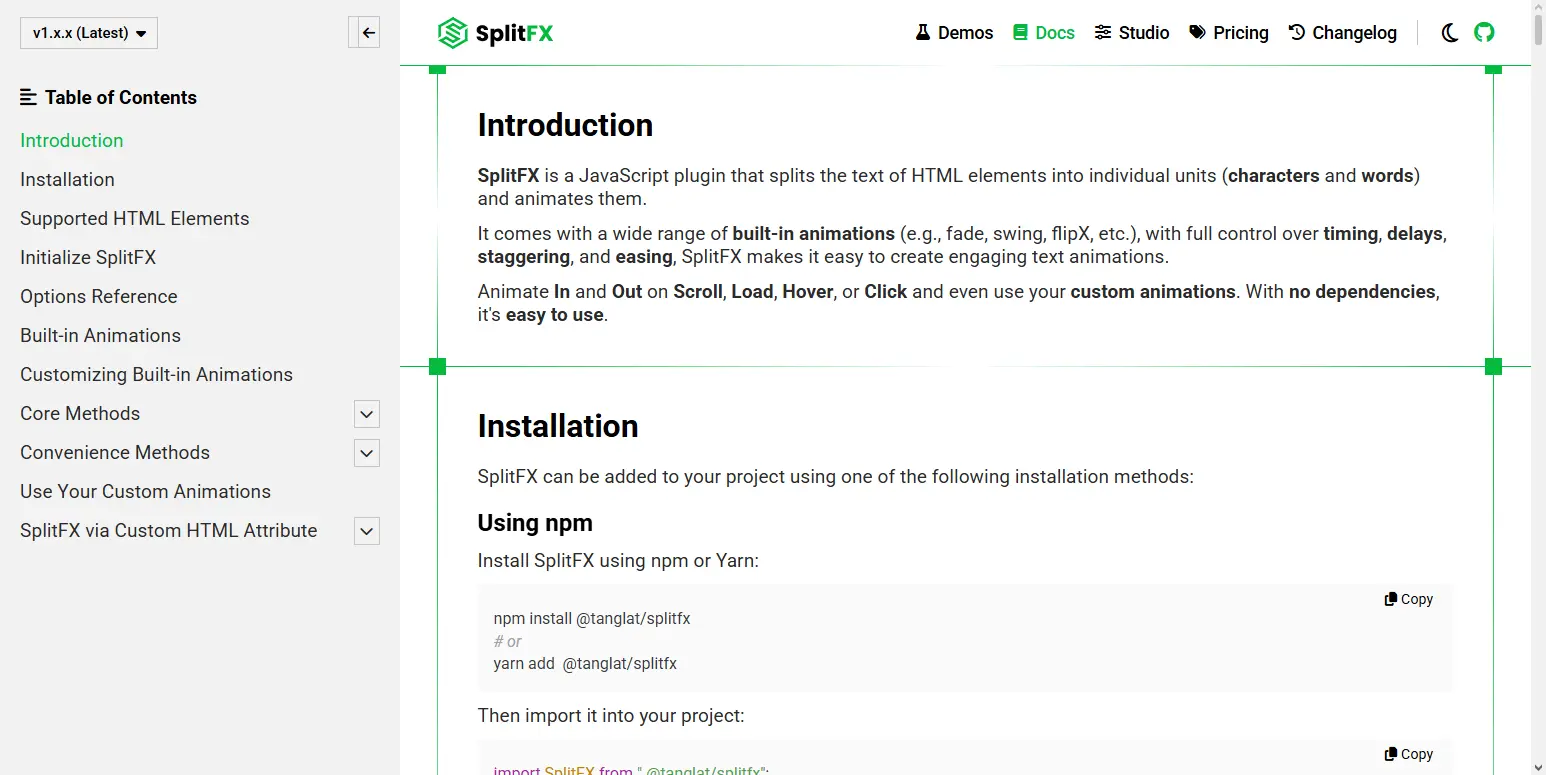
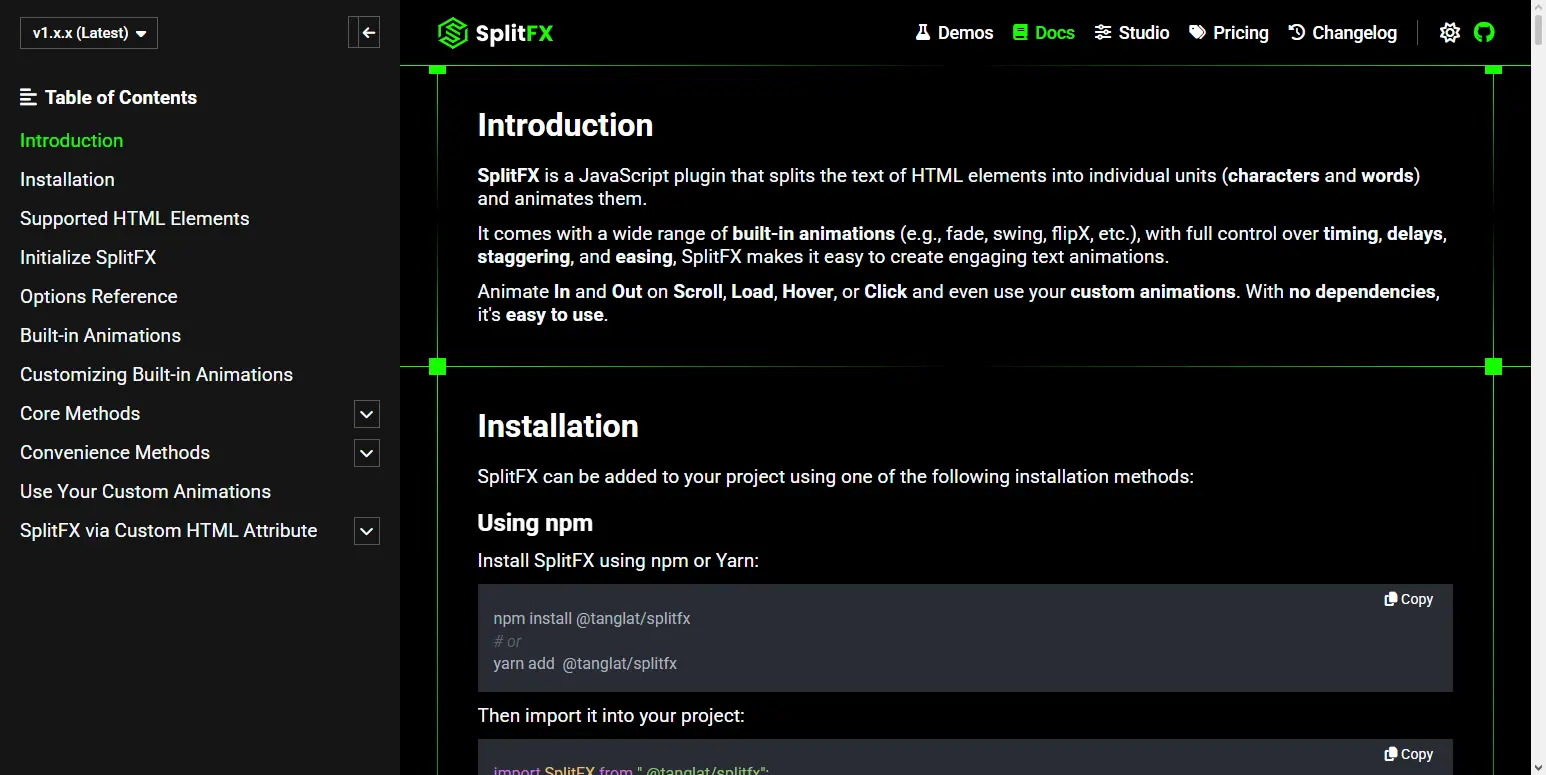
Find everything you need to create text animations with SplitFX.
Read Documentation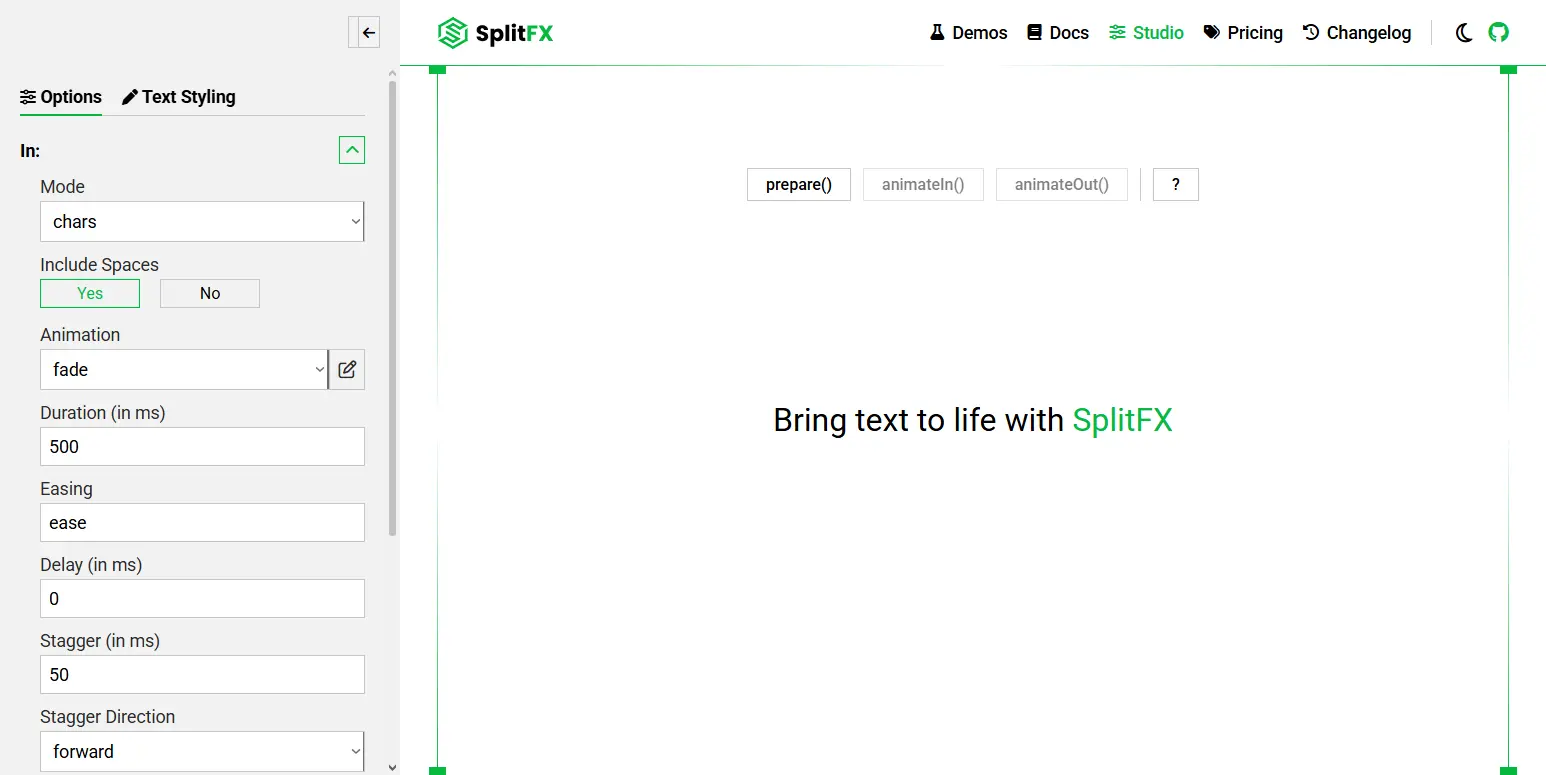
Choose the license that fits your project whether you're experimenting, building for clients, or creating products for distribution.
Read License| Usage | Non-Commercial only | 1 End Product | 1 End Product |
| Resale & Distribution | Not allowed | Limited to one client / End Product | Allowed to multiple End Users |
| Technical Support | Community only | 6 months | 12 months |
| Attribution | Appreciated | Not required | Not required |
| Best for | Personal projects, learning, or prototyping not for client work or commercial use | One commercial End Product: either for yourself or a single client | A commercial End Product sold or licensed to multiple End Users (e.g., a template) |
Find answers to common questions, questions you may have, and helpful tips about SplitFX.
SplitFX is a JavaScript text animation plugin that splits the text of HTML elements into individual characters or words and animates them. It includes a wide range of built-in text animations and gives you control over timing, delays, staggering, easing, and other animation settings.
A JavaScript text animation plugin is a tool that makes it easier to create animated text effects on websites using JavaScript. SplitFX, for example, is a JavaScript text animation plugin.
You can add text animations to your website using a JavaScript text animation plugin such as SplitFX. SplitFX provides an easy way to add text animations to your website.
SplitFX includes a wide variety of built-in text animation effects, including fade, rotate, wipe, typewriter, bounce, shake, swing, blur, and more. You can also customize supported built-in text animations or create your own. See full list of built-in text animations.
Yes.
You can customize supported built-in text animations or create your own custom animations when the built-in effects do not meet your needs. SplitFX lets you register custom animations and use them in your configurations.
Yes.
To animate text on scroll with SplitFX, use the animateOnScroll() method to trigger animations when an element enters or leaves the viewport.
SplitFX uses the IntersectionObserver API and provides options such as repeat, threshold, root, and rootMargin for controlling when animations are triggered.
Yes.
You can use convenience methods that make SplitFX easier to use, or core methods when you need more control over your custom logic.
No.
SplitFX is dependency-free and works with plain JavaScript.
Yes.
SplitFX allows you to split and animate the text of HTML elements even when they contain nested elements.
Yes.
You can replay animations using Core Methods or configure convenience methods depending on your use case.